Linked Services: Azure Data Factory Basic Sample
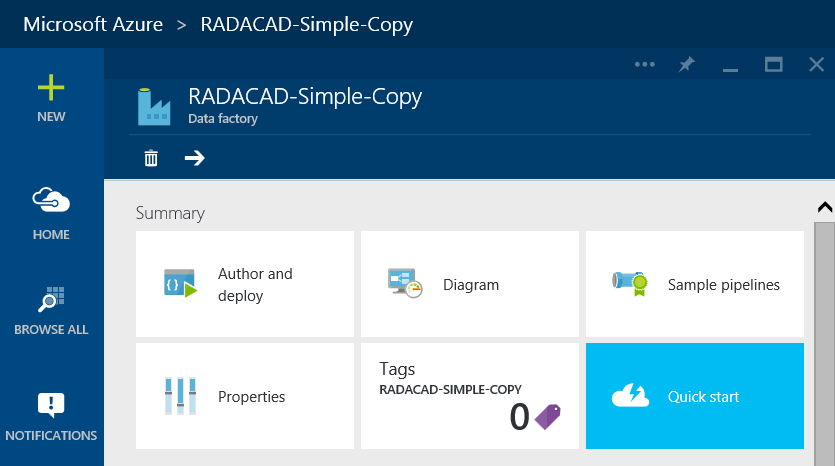
In previous post you’ve seen how to create Azure Data Factory. In this post we want to take the first step in building components of Azure Data Factory. Usually the very first step is creating Linked Services. Linked Services are connection to data sources and destinations. Data Source or destination may be on Azure (such as Azure Blob Storage, Azure SQL Database) or on premises (such as on-premises SQL Server, or on-premises Oracle). Linked Services need to work with Data Management Gateway if the data source/destination is on-premises.
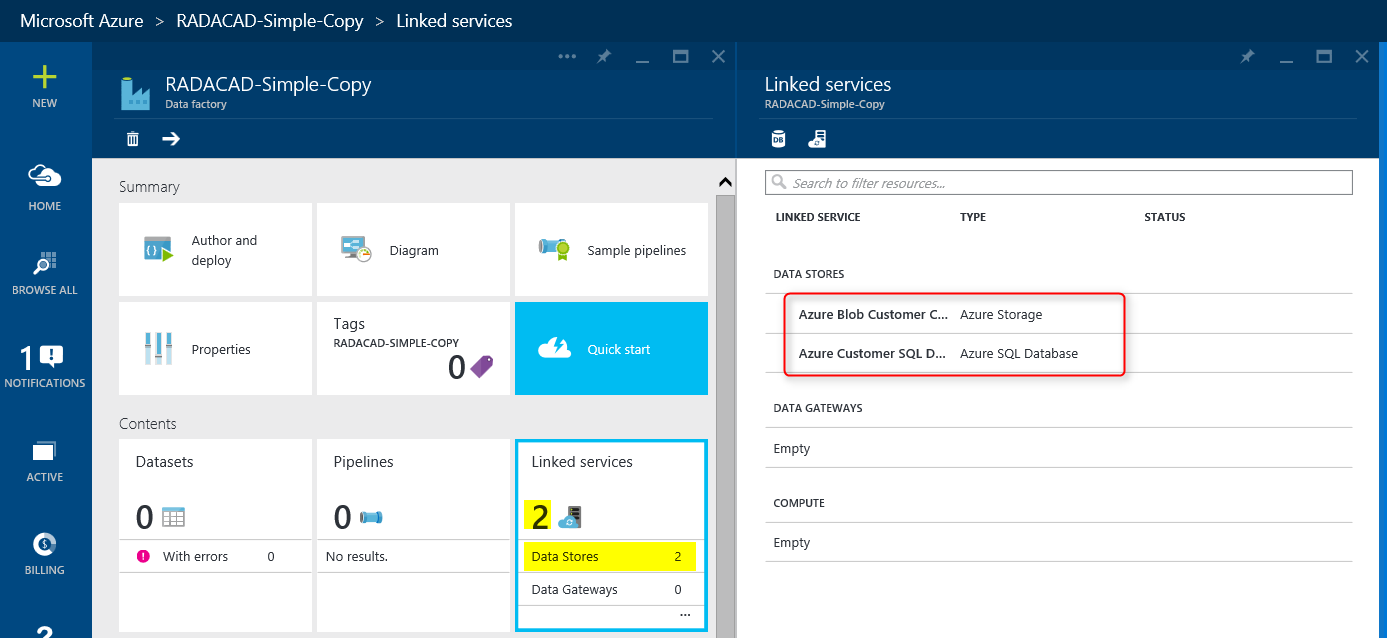
In this example we follow the previous post solution; We want to copy data from some CSV files exists on Azure Blob Storage and load it into Azure SQL database. So we need two Linked Services for this example; one for Azure Blob Storage, and the other one for Azure SQL Database. Creating Linked Services might not be so hard once you have the environment ready for it. However in this example as we want to do everything from the scratch I’ll explain you how to create an Azure Blob Storage and upload CSV files there to be the source of our operation. I’ll also explain how to create the destination table in Azure SQL Database.