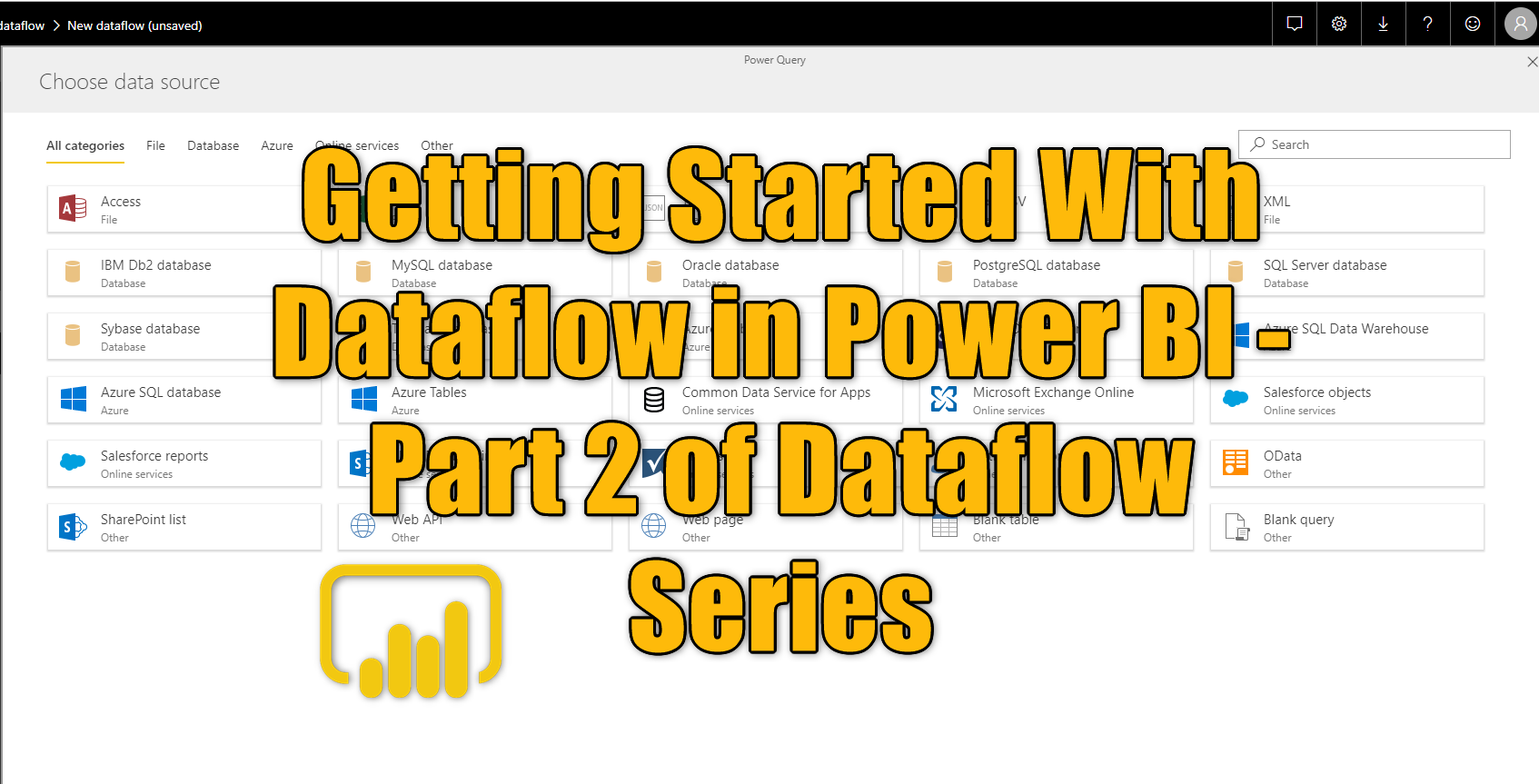

Getting Started With Dataflow in Power BI – Part 2 of Dataflow Series

In the previous article, I mentioned what is the Dataflow, how it can be helpful, and mentioned some of its use cases of it in real-world Power BI implementation. In this article as the second part of the series for Dataflow, I like to give you some hands-on experience with Dataflow and explain how Dataflow Read more about Getting Started With Dataflow in Power BI – Part 2 of Dataflow Series[…]

What are Power BI Dataflows and their Use Cases?

Dataflows are an important component in the Power BI architecture. Using them can enhance the development and maintenance of your Power BI solution significantly. However, there are many Power BI implementations that are not using this functionality, even though it is already more than three years passed since it was released. In this blog and Read more about What are Power BI Dataflows and their Use Cases?[…]

Dataflow: a remedy slow data sources in Power BI

I have previously explained a number of use cases for dataflows. One really useful case for it is to use dataflow for slow data sources. In this short article and video, I’ll explain how this works. What is a dataflow? Dataflow is a Power Query process that runs in the cloud and stores the result Read more about Dataflow: a remedy slow data sources in Power BI[…]

How to modify a linked entity in Power BI dataflows

It is not possible to change a linked entity in a dataflow in Power BI. Linked entities has to be modified only in the dataflow in which they are created. However, sometimes, you need to do a small modification to the linked entity in a chained dataflow. There is a very simple trick, In this Read more about How to modify a linked entity in Power BI dataflows[…]

Streamline Power BI Refresh: Refresh dataset after a successful refresh of dataflow

Do you have a Power BI dataset that gets data from a dataflow? have you ever thought; “can I get the dataset refreshed only after the refresh of dataflow completed and was successful?” The answer to this question is yes, you can. One of the recent updates from the data integration team of Power BI Read more about Streamline Power BI Refresh: Refresh dataset after a successful refresh of dataflow[…]

Power BI Dataflow vs Data Warehouse: Which one to choose?

Dataflow is the data transformation service in Power BI, and also some other Power Platform services. Data Warehouse is the cloud storage and also compute engine for data. I often get this question that: “Now that we have dataflow in Power BI, should we not use the Data warehouse? What are the differences? which is Read more about Power BI Dataflow vs Data Warehouse: Which one to choose?[…]

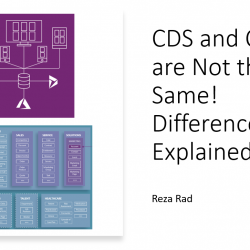
CDS and CDM are Not the Same! Difference Explained

Working with Power BI and Power Platform dataflows, or using Dynamics in general, might cause you to hear one of these two CDS (Common Data Services), or CDM (Common Data Model). Often there is a misconception about these two, and many people think they are the same. In this article, I’ll explain the difference between Read more about CDS and CDM are Not the Same! Difference Explained[…]

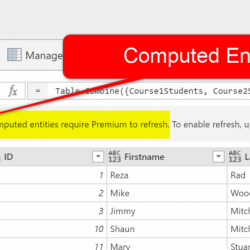
Reference from Another Query in Dataflow – No Premium Needed – Power Platform Dataflows

I have previously explained one of the benefits of Power Platform dataflows, which was the ability to refresh the data as many times as you want (on a scheduled basis), and the ability to refresh even with the frequency of a minute. Another useful feature of Power Platform dataflows is the ability to have referenced Read more about Reference from Another Query in Dataflow – No Premium Needed – Power Platform Dataflows[…]

Refresh Power BI Queries Through Power Platform Dataflows: Unlimited Times with Any Frequency

If you don’t have a Power BI Premium capacity license, then you are limited to refresh your dataflows up to eight times a day, with the frequency of 30 minutes. The good news for you is that you have a way to do unlimited refreshes and with whatever frequency you like using Power Platform Dataflows. Read more about Refresh Power BI Queries Through Power Platform Dataflows: Unlimited Times with Any Frequency[…]

Azure Machine Learning Services : Deploy AutoML Model and Use it in Power BI- Part 3

  As I have discussed in part 1 and Part 2, the new possibility of creating machine learning without writing any Python or R codes is so amazing. In Part One, the difference between Azure ML Studio (the traditional one) and the Azure ML Services (new component) has been very briefly explained. (I will write Read more about Azure Machine Learning Services : Deploy AutoML Model and Use it in Power BI- Part 3[…]