Add Photos to Power BI from Active Directory

If you work for an organisation that stores thumbnail images of staff inside Active Directory, you can probably access these and incorporate the images in your Power BI Reports.  This is a great way of making an internal staff report look fantastic – and it’s easy! Step 1. Click Get Data from the Home tab Read more about Add Photos to Power BI from Active Directory[…]
Export the Entire M Power Query Script from a Power BI File, New Version of Power BI Helper, Search based on Field Description in the Model

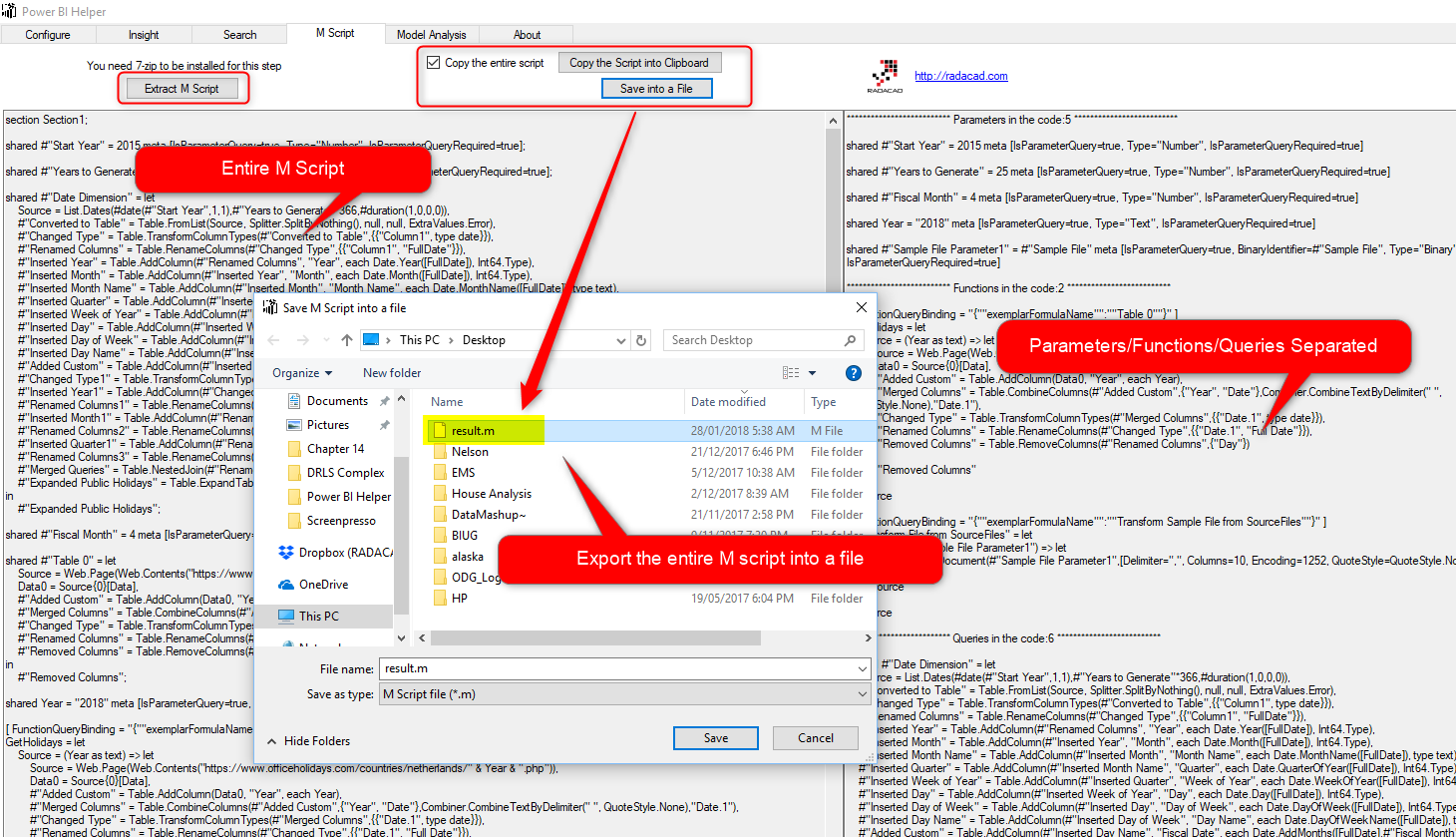
Previous versions of Power BI Helper had some features related to the visualization part and the modelling part of a Power BI file. This latest release of Power BI helper, can export the entire M or Power Query script into a file or into clipboard. Sometimes, especially when the number of queries in the Power Read more about Export the Entire M Power Query Script from a Power BI File, New Version of Power BI Helper, Search based on Field Description in the Model[…]

Creating Machine learning Development and Production Environment in Power BI-Part2

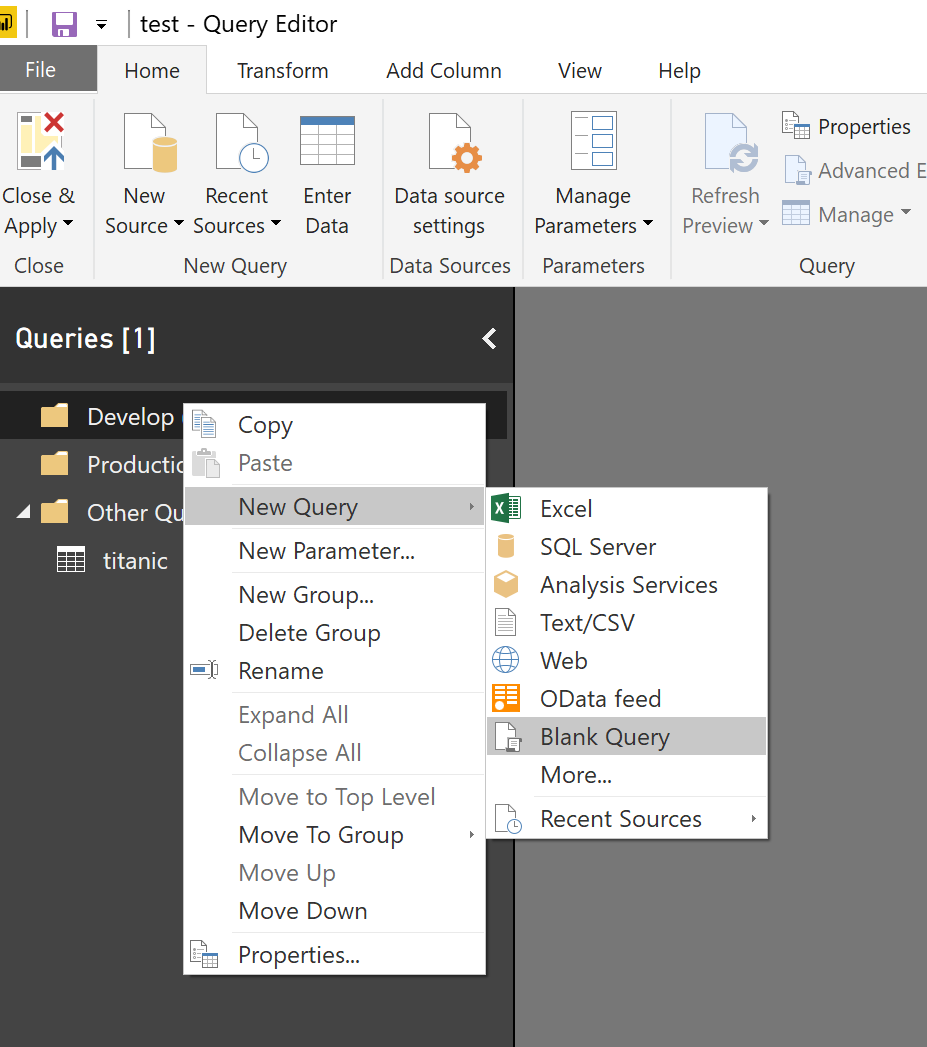
In the last post, I have explained how we can create a function with the aim of parametrising the machine learning process. In this post, I am going to explain how we able to create a Development and Production environment. Create Different Environment in Power Query to create a new environment, In power query, I Read more about Creating Machine learning Development and Production Environment in Power BI-Part2[…]

List.Accumulate Hidden Gem of Power Query List Functions in Power BI

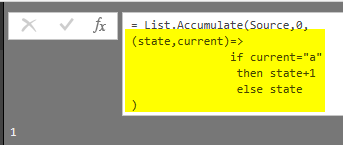
There are a number of List transformations available in Power Query’s graphical interface. However, the number of functions in the graphical interface is very limited. In this post, I’m going to explain about a function that is really powerful and is not yet listed in the graphical interface. List.Accumulate is a function that loops through Read more about List.Accumulate Hidden Gem of Power Query List Functions in Power BI[…]

Basics of Value Structures in M – Power Query Formula Language

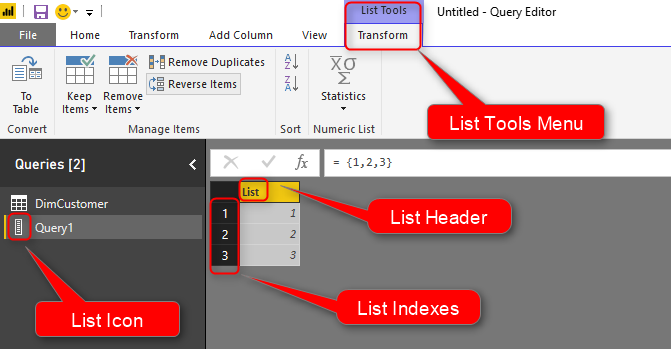
A couple of months ago, I’ve written a blog post about Basics of M and explained few basics about this language. In this post, I’m going to the next step and will explain few other structure definitions in this language. In this post, you will learn about Tables, Records, Lists, and how to navigate through Read more about Basics of Value Structures in M – Power Query Formula Language[…]

Create a Date Dimension in Power BI in 4 Steps – Step 3: Public Holidays

In last two steps you learned how you can create a date dimension that has calendar columns, and fiscal columns. In this step we are going to look at how Power Query can be leveraged to fetch public holidays live from APIs, and add that information into the date dimension. This step shows the importance Read more about Create a Date Dimension in Power BI in 4 Steps – Step 3: Public Holidays[…]

Create a Date Dimension in Power BI in 4 Steps – Step 2: Fiscal Columns

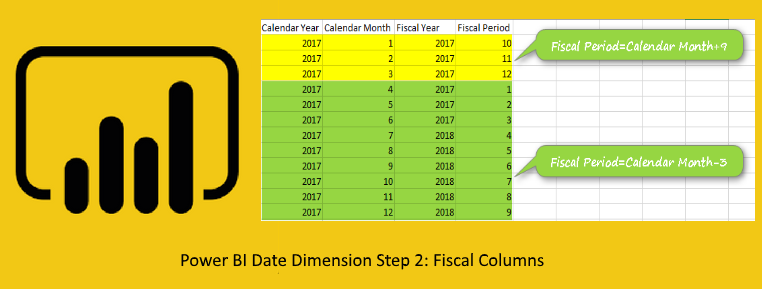
In step 1 of creating date dimension I explained how to create the base query with calendar columns. In this post I will explain how to add fiscal columns calculated in the date dimension. Many of business reports generates on fiscal year, fiscal quarter, and fiscal period, so having fiscal columns is important part of Read more about Create a Date Dimension in Power BI in 4 Steps – Step 2: Fiscal Columns[…]

Create a Date Dimension in Power BI in 4 Steps – Step 1: Calendar Columns

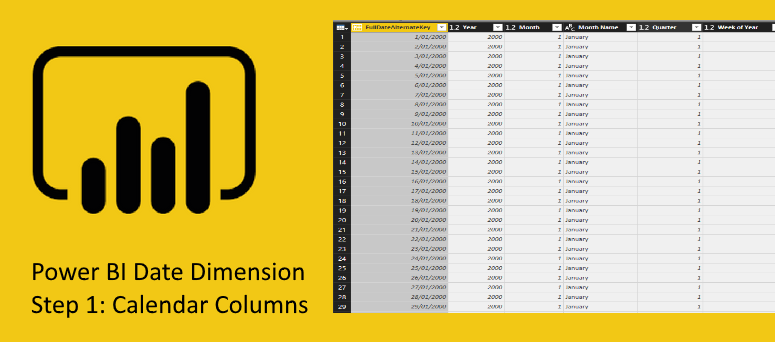
I have written multiple blog posts so far about creating a date dimension. However, I still get the question about how to create a date dimension. In this series of blog posts I  am going to explain in details how you can create a date dimension easily in Power BI (based on Power Query). this Read more about Create a Date Dimension in Power BI in 4 Steps – Step 1: Calendar Columns[…]

Solving DAX Time Zone Issue in Power BI

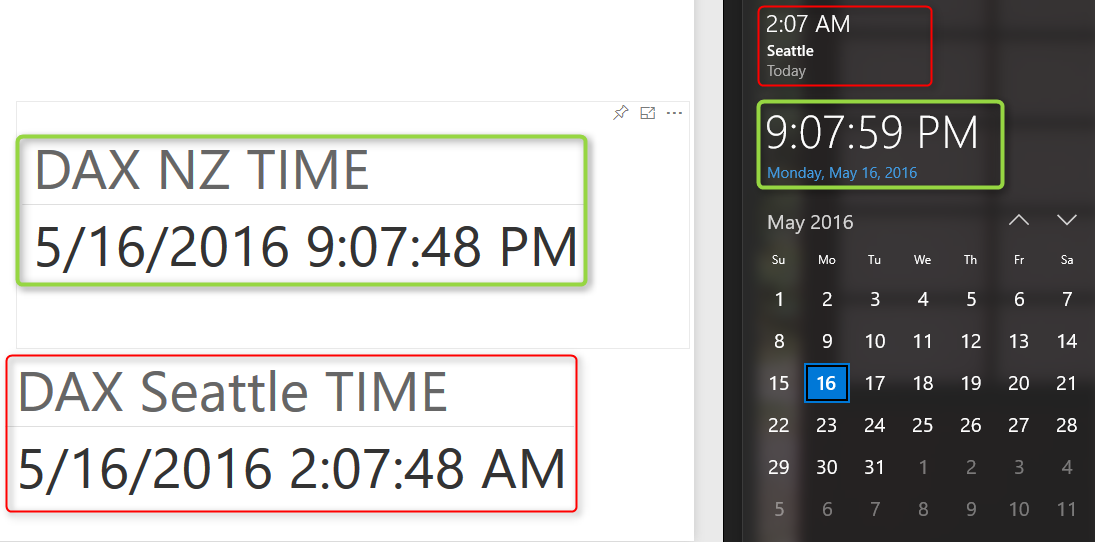
Power BI is a cloud service, and that means Power BI files are hosted somewhere. Some DAX functions such as Date/Time functions work on system date/time on the server their file is hosted on. So If you use DAX functions such as TODAY() or NOW() you will not get your local date/time, You will fetch Read more about Solving DAX Time Zone Issue in Power BI[…]

Power BI Custom Connector: Connect to Any Data Sources. Hello World!

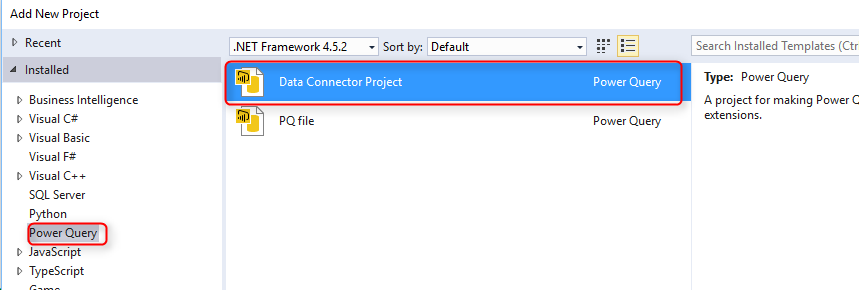
One of the recent features in Power BI Desktop is the ability to create your own custom connector and use it when connecting to the data source. This feature looks just one feature, but it opens doors to many possibilities. With this feature you can write your own custom connector to any types of data Read more about Power BI Custom Connector: Connect to Any Data Sources. Hello World![…]