Be Fitbit BI Developer in Few Steps: Step 2 Loop Through All CSV Files

In the first step you’ve learned how to manipulate and mash up the data with few changes in Power Query M script. In spite of Power BI Desktop not being able to recognize your CSV file correctly because of the header row, you managed to write script and fetch data as you required. However this Read more about Be Fitbit BI Developer in Few Steps: Step 2 Loop Through All CSV Files[…]

Be Fitbit BI Developer in Few Steps: First Step Get Data from CSV

Power BI made things really easy, it isn’t hard to build dashboards and data analysis on almost any types of data sources. Previously in other sections of the online book; Power BI from Rookie to Rockstar I’ve mentioned few data sources and ways of connecting to them. In this post I like to show you Read more about Be Fitbit BI Developer in Few Steps: First Step Get Data from CSV[…]

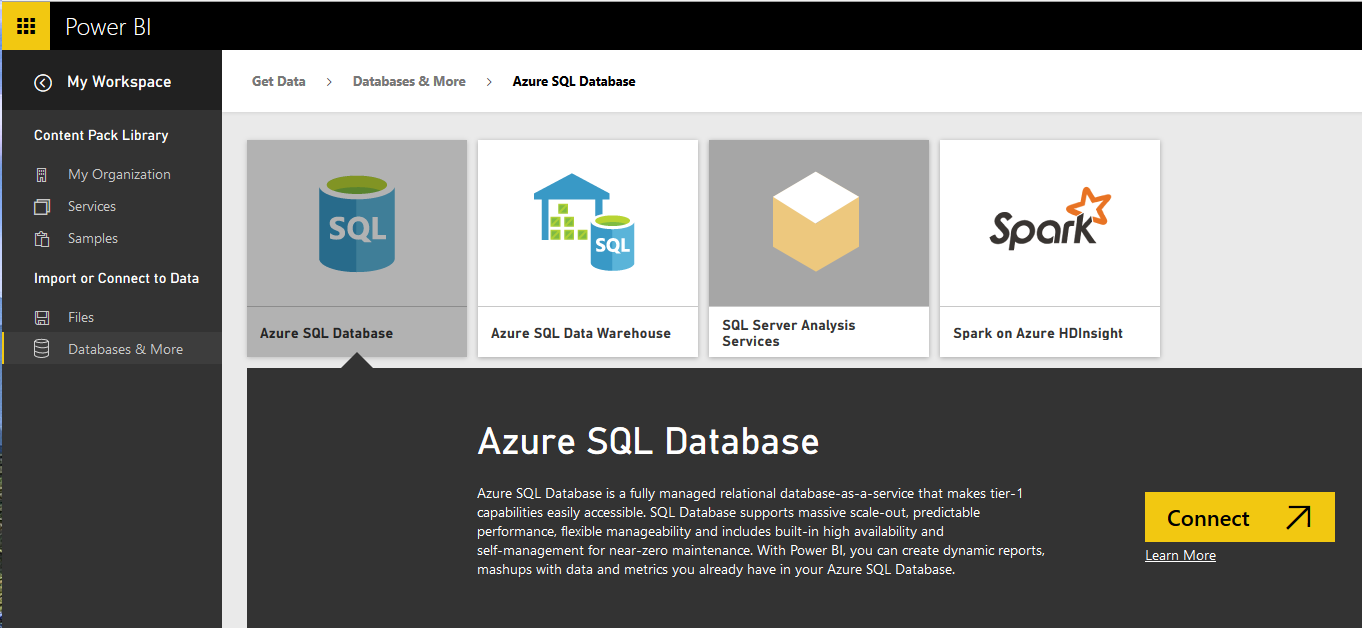
Power BI Get Data: From Azure SQL Database

Power BI and Power Query can connect to files such as Excel, CSV, text files and on-premises databases such as SQL Server, Oracle, MySQL. Power BI can connect to many data sources on cloud such as Azure SQL Database, Azure SQL Data Warehouse and etc. In this part you will learn how to connect from Read more about Power BI Get Data: From Azure SQL Database[…]

Power BI Get Data From Excel: Everything You Need to Know

In Previous section you learned about Power Query through an example of data mash-up of movies. Also prior than that you’ve learned about Power BI and its components in Power BI online book from rookie to rockstar. In this section I would like to start exploration of different data sources in Power BI, and I Read more about Power BI Get Data From Excel: Everything You Need to Know[…]

Get Started with Power Query: Movies Data Mash-Up

As another section of the Power BI online book: from Rookie to Rockstar, I would like to get start working with Power Query. From my point of view learning through an example is the best way to learn new technology. For this post I have decided to use movie’s data to be mashed up. I Read more about Get Started with Power Query: Movies Data Mash-Up[…]

What Is Power Query? Introduction to Data Mash-up Engine of Power BI

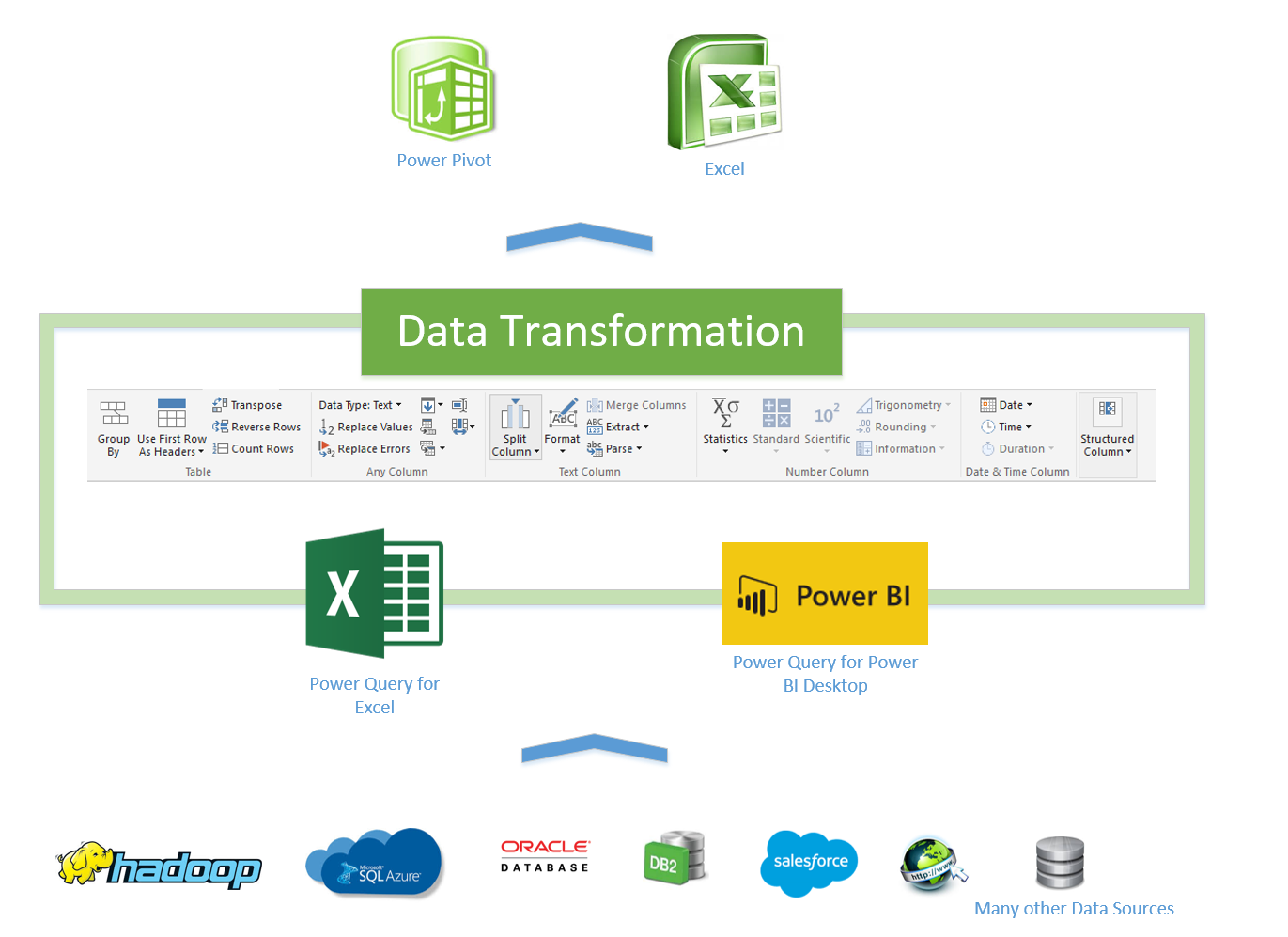
When you get data in Power BI you actually use Power Query Component. In this chapter you will learn about What Power Query is, and what are different types of sources that Power Query can connect. Power Query has also great list of transformations that can be applied on the data set as well (which Read more about What Is Power Query? Introduction to Data Mash-up Engine of Power BI[…]

Fetch Files and/or Folders with Filtering and Masking: Power Query

4

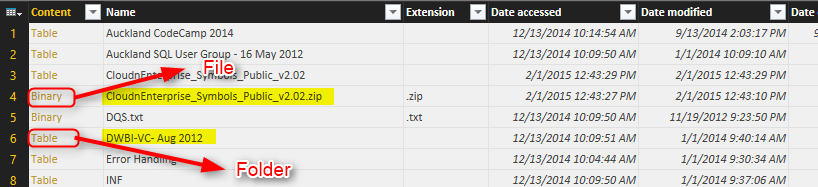
Fetching list of Files in a folder is easy with Power Query, it is one of the built-in source types. However fetching list of folders is not a built-in function. In this post I’ll show you how to fetch list of files, and also fetch only list of folders. The method explained in a way that you can customize the code and apply any conditions as you want later on. Conditions such as File or folder name masking to fetch only names that contains special character strings.

[…]

How to Change Joining Types in Power BI and Power Query

0

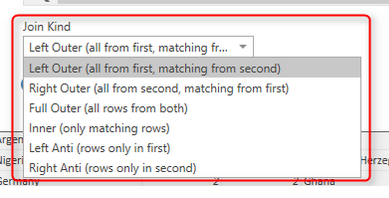
Joining tables is not a new concept, I bet all readers of my blog at least have a clue about that. However there are different types of joins, and applying these types of Joins are not all possible through Power Query GUI. Power BI recently took an step and implemented that in the GUI, however you might like to know how to apply that in the Power Query. The trick is that M is your friend, You can do whatever you want behind the scenes with M script.

[…]

Power Query Function that Returns Multiple Values

5

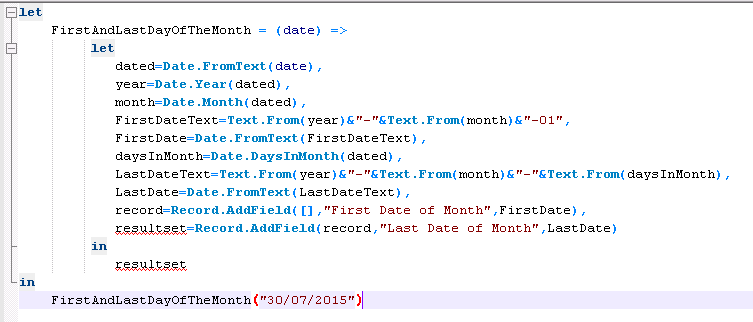
Yesterday in NZ BI user group meeting, I’ve been asked that does Power Query custom functions return only one value as the result set? or they can return multiple values. I’ve answered Yes, and I’ve explained that through a sentence how to do it with Records, List, or Table. Then I thought this might be a question of many people out there. So I’ve wrote this blog post to illustrate how to return multiple values from a custom function in Power Query.

[…]

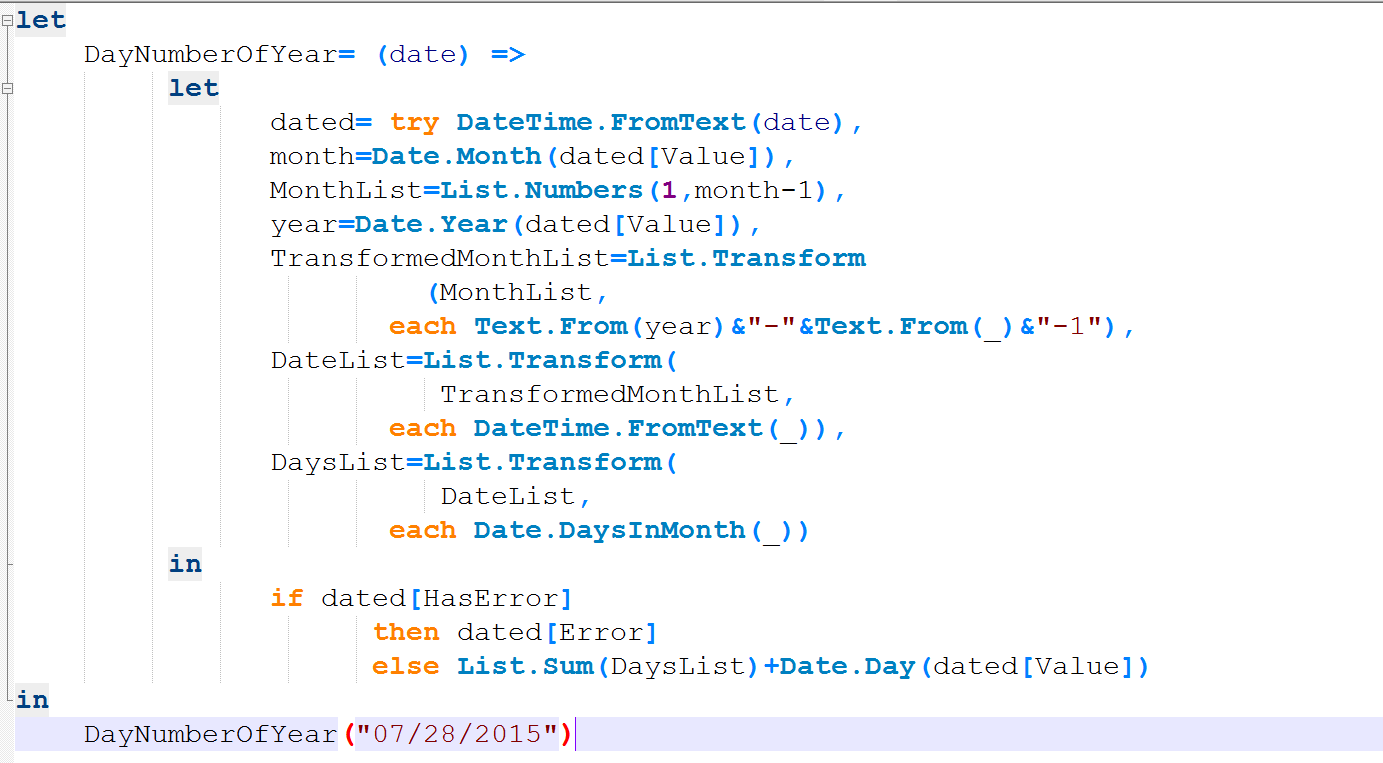
Day Number of Year, Power Query Custom Function

0

There are number of Date and DateTime built-in functions in Power Query which are really helpful. There is also a function for DayNumberOfYear. However I’ve thought it would be a good example to go through writing a function that uses Generators, Each singleton function, and error handling all inside a custom function. Through this post you will also learn;

  • how to create Custom Function
  • how to use Generators as loop structure
  • and how to user Error Handling.

[…]