Integrate Power BI Into Your Application: Part 6 – Real-time Streaming and Push Data

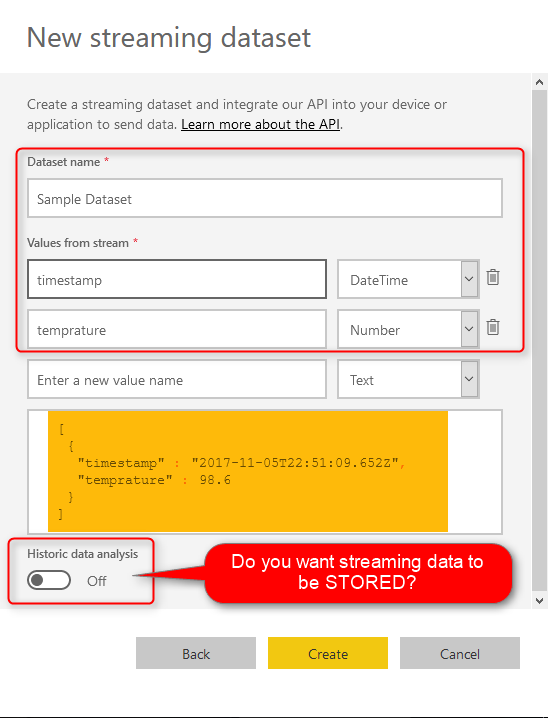
It’s been a while since the last post about Power BI REST API. I have written previously about how to get the REST API, and use it in your application, how the authentication works, and things such as embedding content, and data source management. In this post, I’m going to explain one of the functionalities Read more about Integrate Power BI Into Your Application: Part 6 – Real-time Streaming and Push Data[…]
Measure vs Calculated Column: The Mysterious Question? Not!

Despite all articles, blog posts, and videos on the topic of DAX Measures and Calculated columns, I still hear here and there that people ask what is the difference between Measure and Calculated Column? What situation should we use each of these? and on the other hand, what is the difference of creating column here, Read more about Measure vs Calculated Column: The Mysterious Question? Not![…]

Ribbon Chart is the Next Generation of Stacked Column Chart

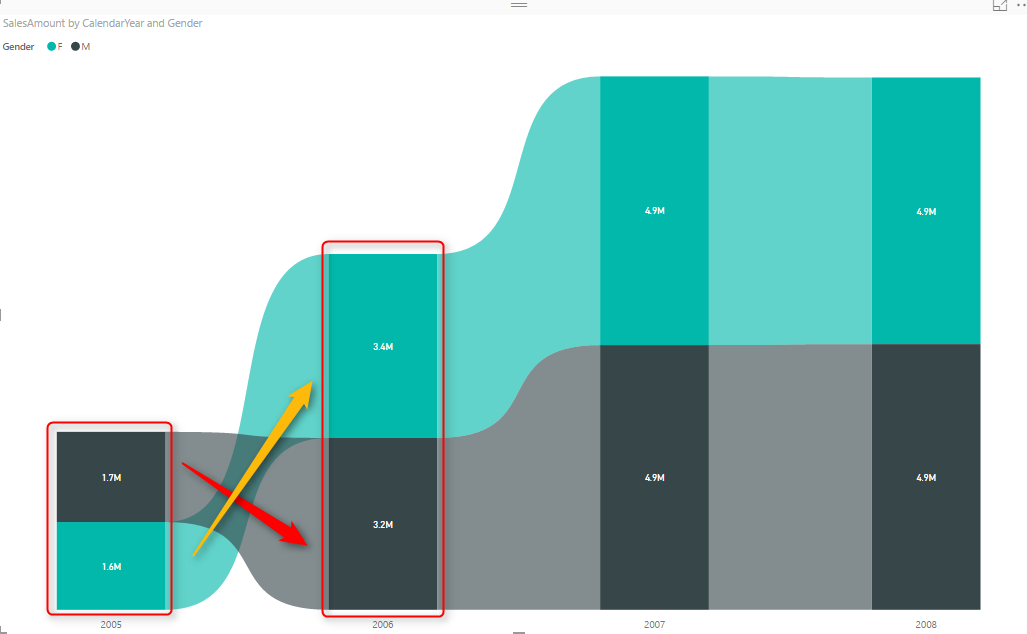
Earlier this month (September 2017), in the new version of Power BI Desktop, a new type of chart announced; Ribbon Chart. The very first look and feel of this chart are similar to Stacked Column Chart. The question that might come into your mind is that; why another way of showing the same thing? The Read more about Ribbon Chart is the Next Generation of Stacked Column Chart[…]

Basics of Value Structures in M – Power Query Formula Language

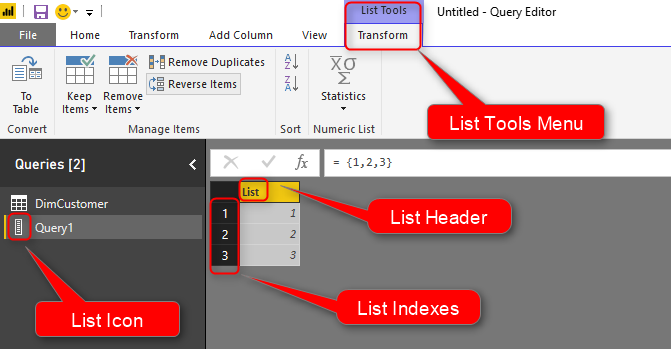
A couple of months ago, I’ve written a blog post about Basics of M and explained few basics about this language. In this post, I’m going to the next step and will explain few other structure definitions in this language. In this post, you will learn about Tables, Records, Lists, and how to navigate through Read more about Basics of Value Structures in M – Power Query Formula Language[…]

Create a Date Dimension in Power BI in 4 Steps โ€“ Step 3: Public Holidays

In last two steps you learned how you can create a date dimension that has calendar columns, and fiscal columns. In this step we are going to look at how Power Query can be leveraged to fetch public holidays live from APIs, and add that information into the date dimension. This step shows the importance Read more about Create a Date Dimension in Power BI in 4 Steps โ€“ Step 3: Public Holidays[…]

Create a Date Dimension in Power BI in 4 Steps โ€“ Step 2: Fiscal Columns

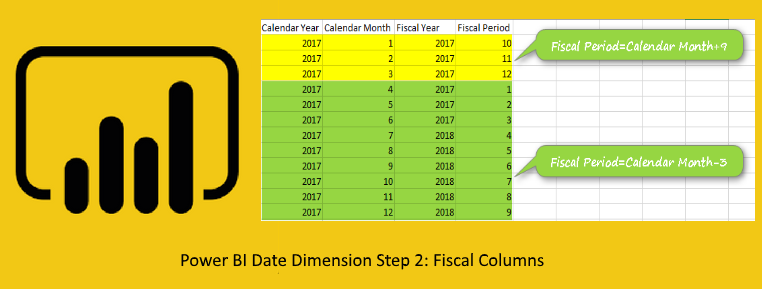
In step 1 of creating date dimension I explained how to create the base query with calendar columns. In this post I will explain how to add fiscal columns calculated in the date dimension. Many of business reports generates on fiscal year, fiscal quarter, and fiscal period, so having fiscal columns is important part of Read more about Create a Date Dimension in Power BI in 4 Steps โ€“ Step 2: Fiscal Columns[…]

Create a Date Dimension in Power BI in 4 Steps – Step 1: Calendar Columns

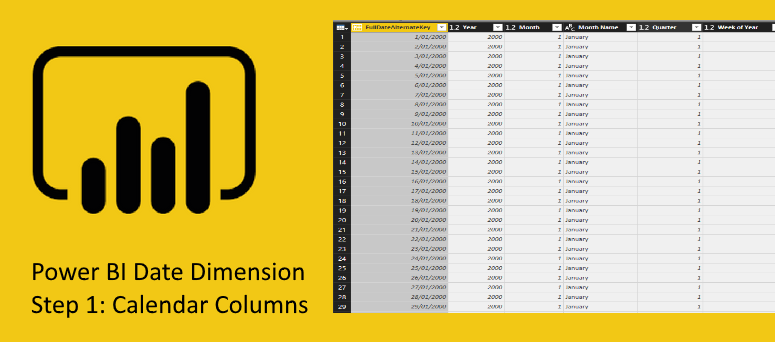
I have written multiple blog posts so far about creating a date dimension. However, I still get the question about how to create a date dimension. In this series of blog posts Iย  am going to explain in details how you can create a date dimension easily in Power BI (based on Power Query). this Read more about Create a Date Dimension in Power BI in 4 Steps – Step 1: Calendar Columns[…]

Infographic Designer: Not Just Another Visual

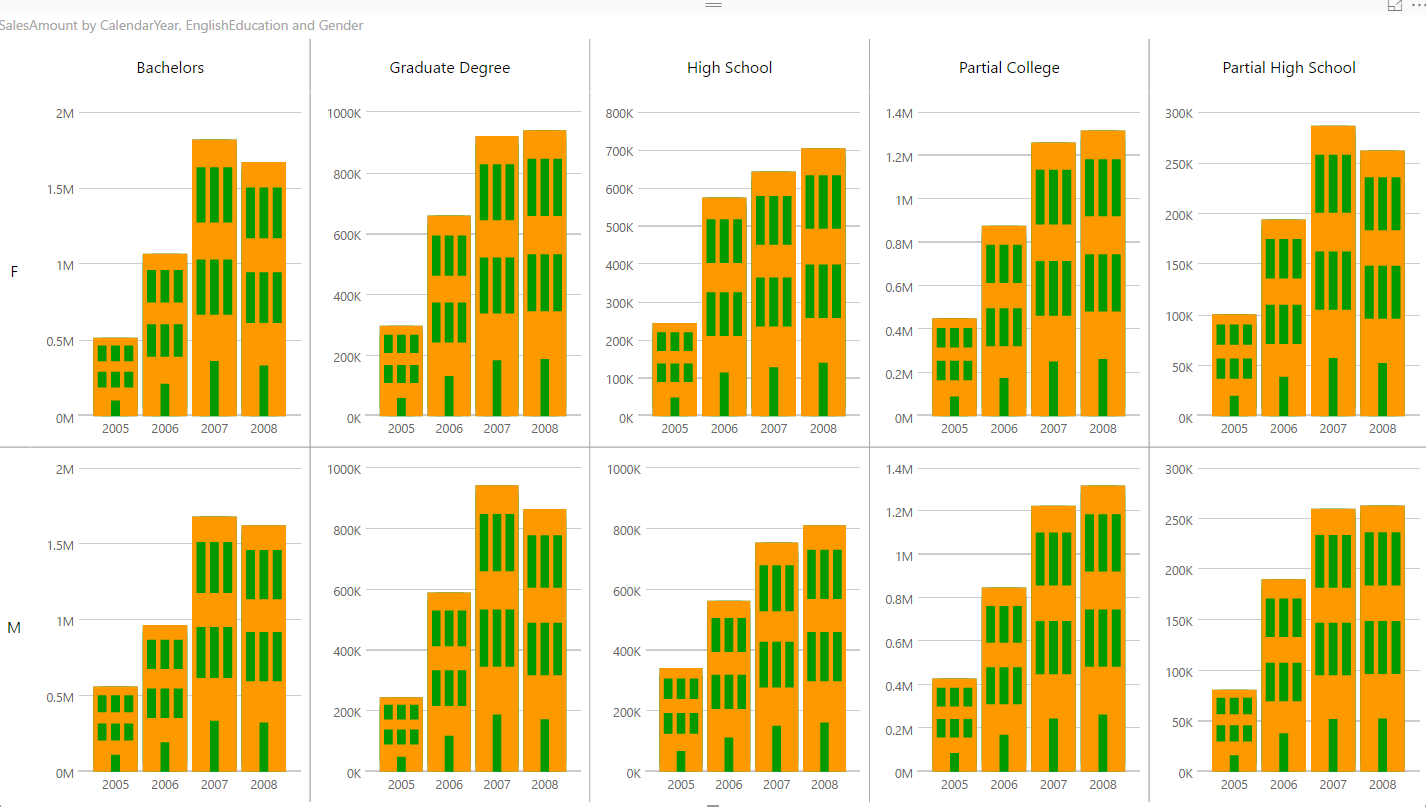
At the time of writing this post; there are already more than 97 custom visuals posted in Office Store. The list includes many interesting custom visuals. However, Infographic Designer is one of the visuals that is not just another visual. This custom visual has some unique features that you cannot see in many other visuals. Read more about Infographic Designer: Not Just Another Visual[…]

Power BI Custom Connector: Connect to Any Data Sources. Hello World!

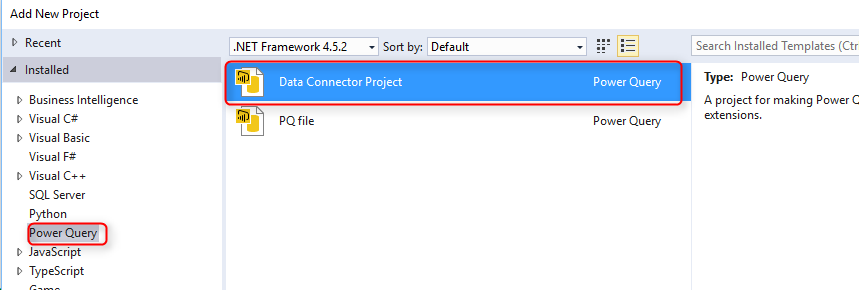
One of the recent features in Power BI Desktop is the ability to create your own custom connector and use it when connecting to the data source. This feature looks just one feature, but it opens doors to many possibilities. With this feature you can write your own custom connector to any types of data Read more about Power BI Custom Connector: Connect to Any Data Sources. Hello World![…]

Choose the Right Merge Join Type in Power BI

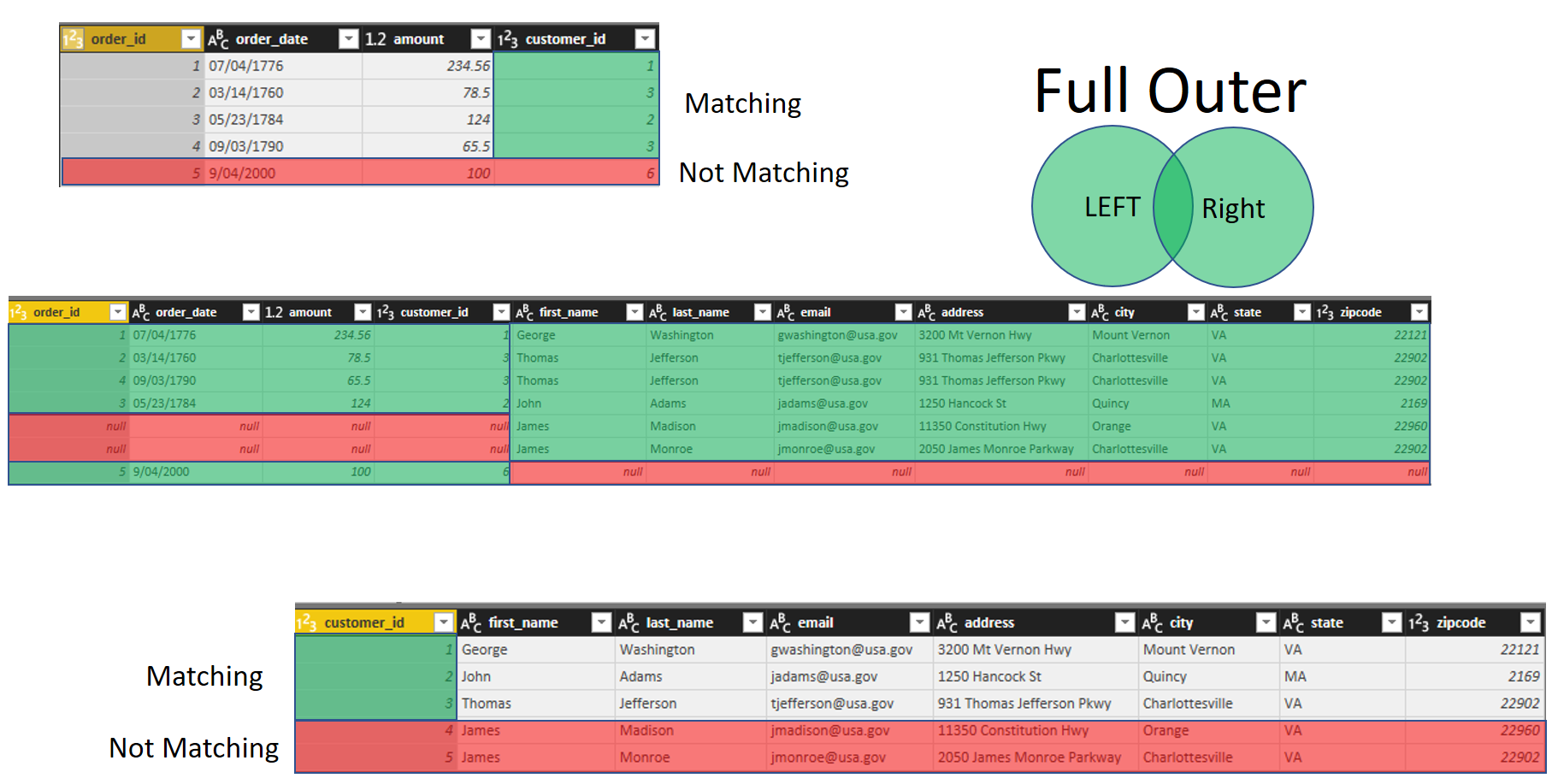
Previously I have written a blog post explaining two ways of combining data sets with each other; Append vs Merge. In this post I want to explain in details what is the difference between all types of Merge Type and explaining how to choose the right merge (or Join) type. These Merge types are very Read more about Choose the Right Merge Join Type in Power BI[…]